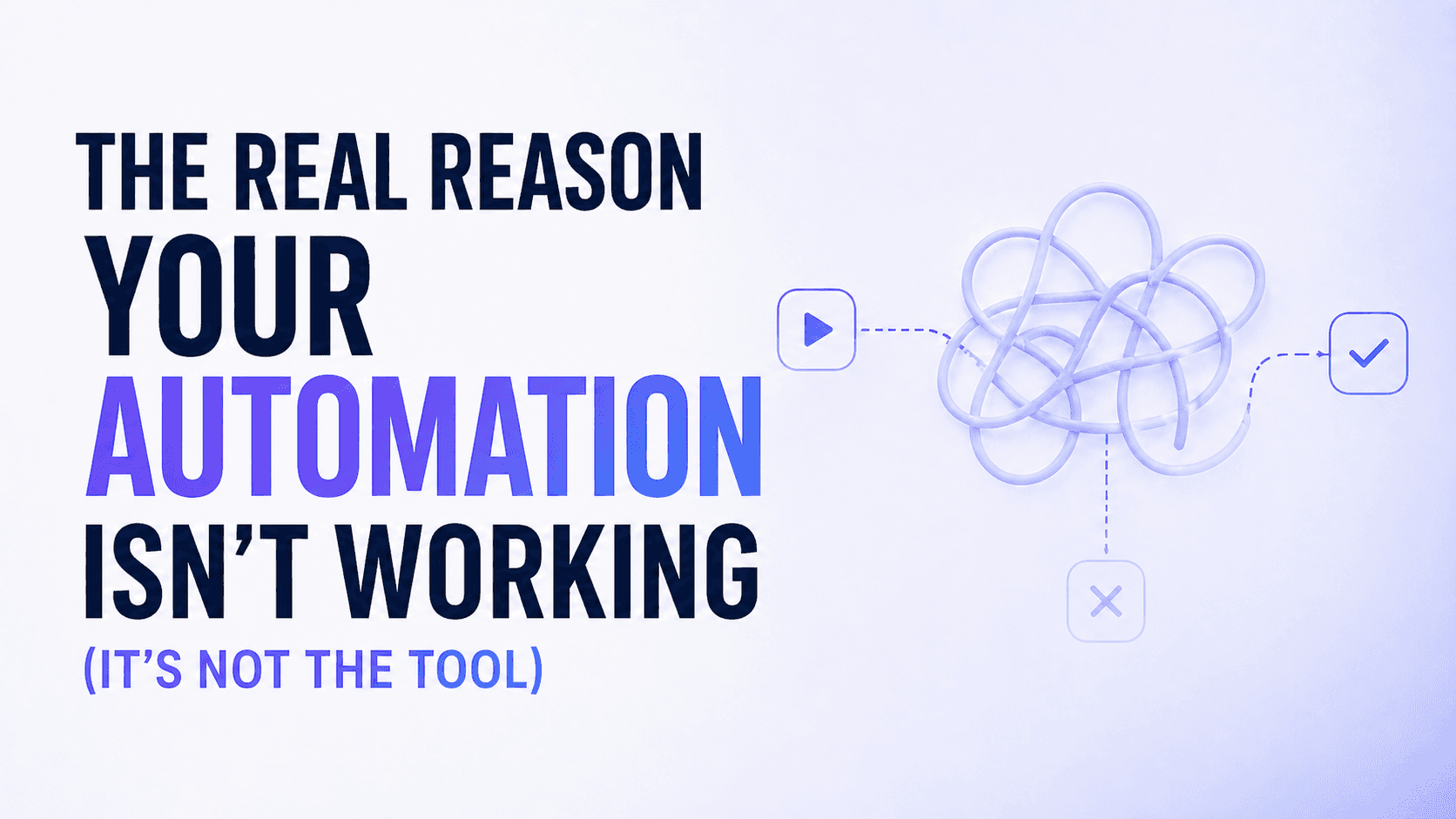
The Real Reason Your Automation Isn't Working (It's Not the Tool)
Most automation projects fail within 90 days. Not because the software was bad — but because the workflow wasn't designed properly before it was automated.
Emily Rodriguez
CTO
Most automation projects fail within 90 days. Not because the software was bad — but because the workflow wasn't designed properly before it was automated.
There's a mistake almost every team makes the first time they try to automate something. They take a messy, inconsistent, human-dependent process — and automate it exactly as it is. Then they're surprised when the automation is also messy, inconsistent, and breaks whenever an edge case shows up.
Automation doesn't fix bad processes. It accelerates them.
The three most common failure modes:
1. Automating before documenting If you can't write down every step of a workflow in plain language, you're not ready to automate it. The act of documenting a process almost always reveals steps that are ambiguous, redundant, or dependent on someone's personal judgment. Fix those first.
2. No ownership after launch Automation isn't set-and-forget. Tools update their APIs. Data formats change. Edge cases appear that nobody predicted. Every automated workflow needs a named owner who reviews it monthly — not just someone who pushed the button to turn it on.
3. Trying to automate everything at once The teams that succeed with automation start with one workflow, run it for 30 days, measure the result, then expand. The teams that fail try to automate six processes simultaneously in a big-bang deployment and wonder why nothing works cleanly.
What good automation actually looks like:
It starts boring. One workflow. One clear input, one clear output. A human reviews the results for the first two weeks. Edge cases get handled manually while the system learns. Then, slowly, confidence builds — and so does scope.
The companies we see getting the most out of Autoflow aren't the most technically sophisticated. They're the most disciplined. They know exactly what they want the agent to do, they've documented it clearly, and they measure whether it's actually happening.
If your automation isn't working, open the workflow and ask one question: could a new employee follow this process with zero context? If the answer is no, the automation was always going to struggle.
Fix the process. Then automate it.

Emily Rodriguez
CTO