5 Workflows Every SaaS Company Should Automate Before Hiring Again
Headcount is expensive and slow. Before you post your next job listing, read this — because there's a good chance the role you're hiring for can be automated in a week.
Sarah Chen
CMO
Headcount is expensive and slow. Before you post your next job listing, read this — because there's a good chance the role you're hiring for can be automated in a week.
Hiring feels productive. It signals growth. But every new hire comes with onboarding time, salary overhead, management bandwidth, and the very real risk that they leave in six months. Automation doesn't have any of those problems.
Here are five workflows that most SaaS companies are still doing manually — and shouldn't be.
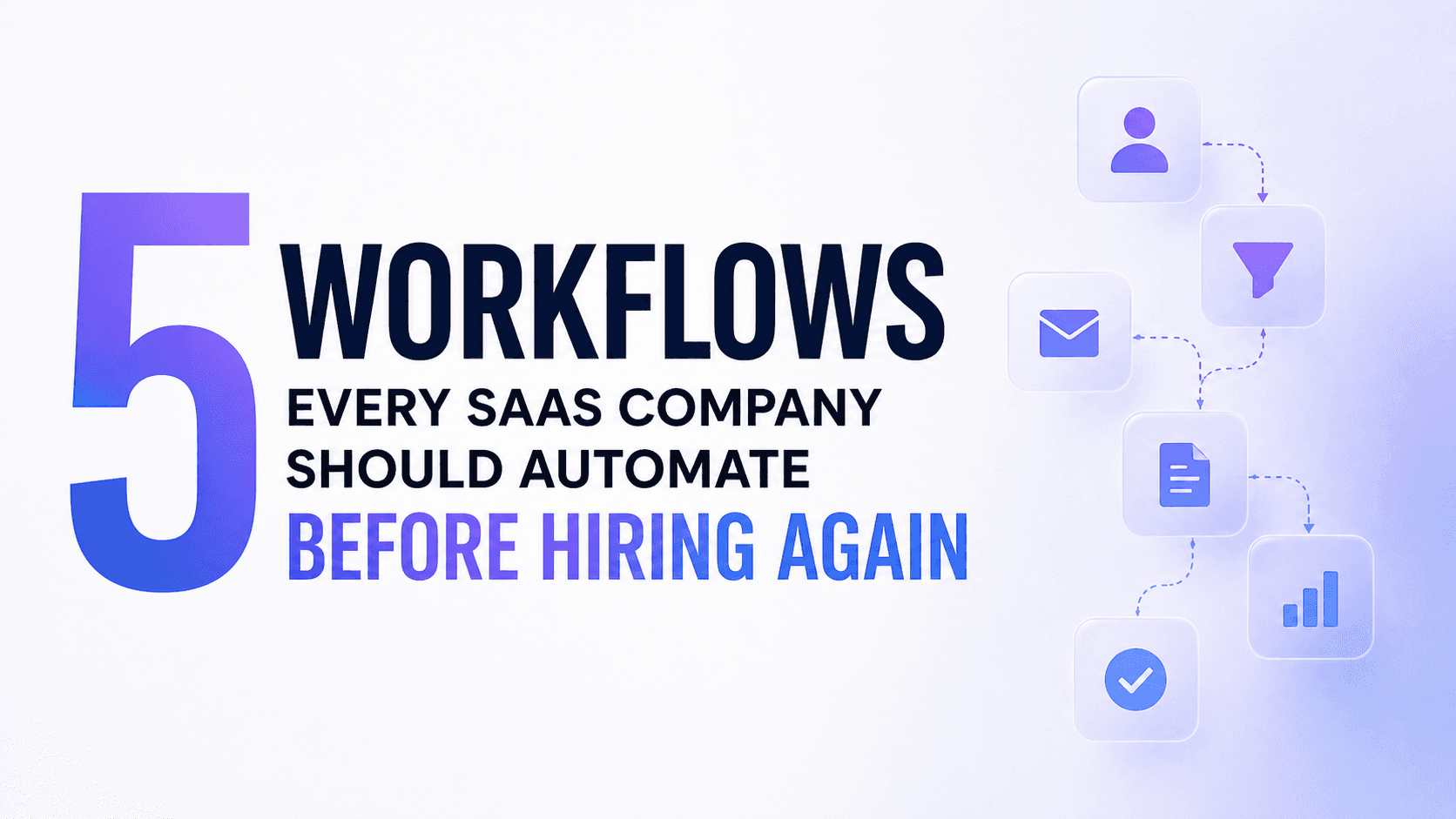
1. Lead qualification Your sales team is spending hours researching prospects before a single call. AI agents can pull LinkedIn data, company size, funding stage, tech stack, and intent signals automatically — so every rep walks into a call already prepared. GrowthLabs cut their pre-call research time by 80% this way.
2. Onboarding follow-up sequences Most SaaS onboarding is just a drip email sequence dressed up as a product tour. A proper automation workflow tracks what features a new user has and hasn't touched, then triggers specific follow-ups based on behavior — not just time elapsed.
3. Internal reporting Weekly status reports, KPI dashboards, sprint summaries — these are all manual aggregation tasks that eat 3–5 hours of someone's week. An agent can pull from your tools, compile the data, and deliver a formatted report every Monday morning before anyone's had coffee.
4. Contract and invoice processing Chasing signatures, sending reminders, updating your CRM when a deal closes — all automatable. Connecting your document tool, CRM, and billing system with an agent layer removes the entire administrative tail from your sales process.
5. Customer health scoring Churn happens because no one noticed the warning signs in time. An AI agent monitoring login frequency, feature usage, and support ticket volume can flag at-risk accounts automatically — before they decide to cancel.
None of these require a developer. None require months of setup. And all of them free up your team to do the work that actually requires a human brain.

Sarah Chen
CMO